
Build kit: Winter theme
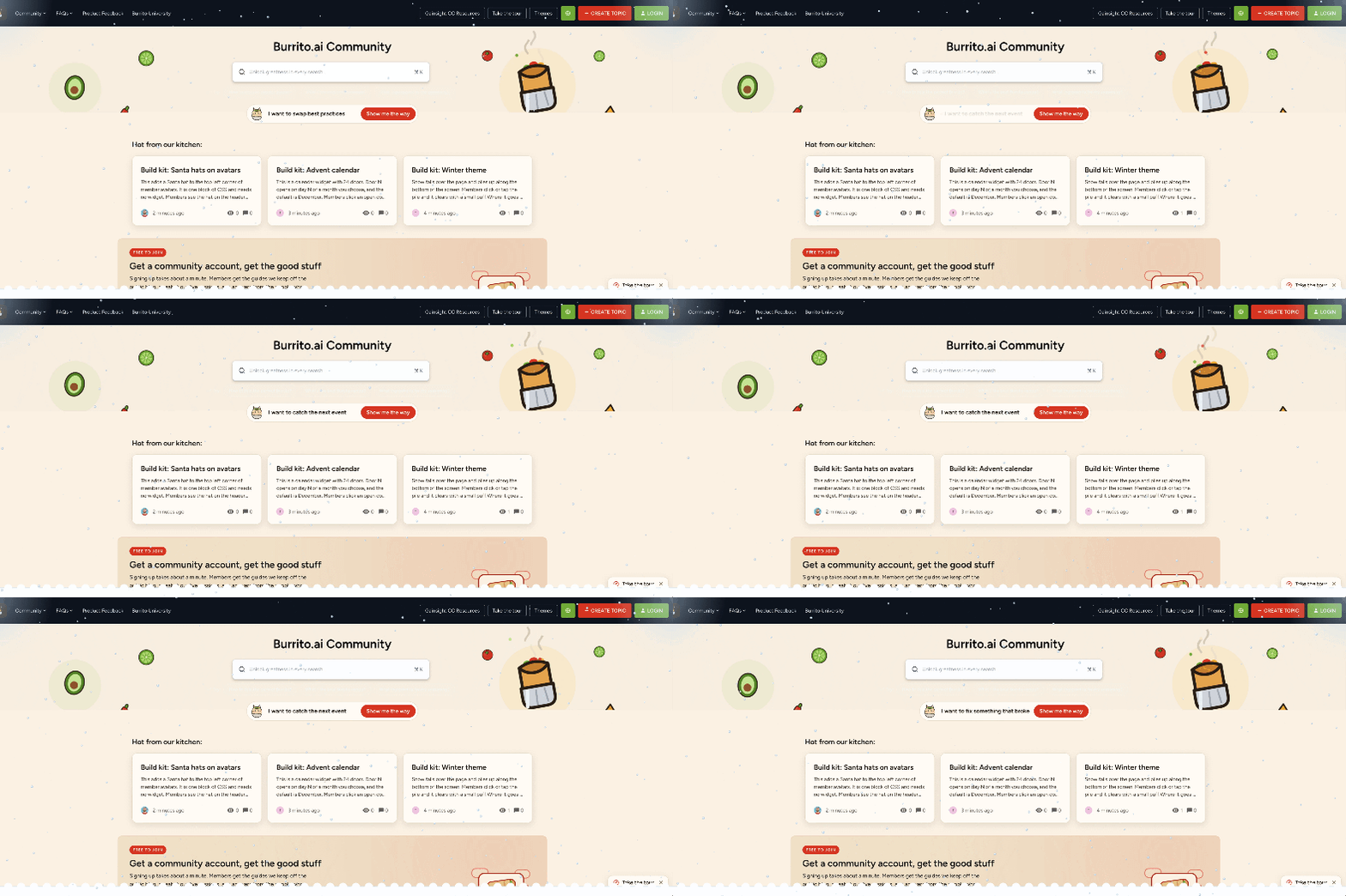
Snow falls over the page and piles up along the bottom of the screen. Members click or tap the pile and it clears with a small puff.
Where it goes
If you use Developer Studio: add it as a global script. In the starter template, create scripts/winter-snow/script.js with the code below, run ./bin/build-registry.sh, then commit and push. The script entry in extensions_registry.json looks like this:
{
  "name": "winter-snow",
  "path": "scripts/winter-snow/script.js",
  "description": "Falling snow that piles up at the bottom of the page, from 1 Dec to 6 Jan",
  "placement": "bodyEnd"
}
Legacy setup (just copying code): open Control, go to Customization - Third Party Scripts, and paste the code wrapped in <script> and </script> (just copy that at the beginning / the end of the script).
The code
(function () {
  'use strict';
  if (window.__ccWinterSnow) return;
  window.__ccWinterSnow = true;

  /* ---------- Settings ---------- */
  var CONFIG = {
    activeFrom: '12-01',       // MM-DD, first day the snow shows
    activeUntil: '01-06',      // MM-DD, last day (can wrap past New Year)
    flakes: 90,                // flakes on desktop, halved on phones
    speed: 1,                  // 0.5 = slower, 2 = faster
    flakeColor: '#FFFFFF',
    flakeEdge: 'rgba(80, 100, 130, 0.35)', // thin outline so flakes show on light pages
    pile: true,                // let snow pile up at the bottom
    pileMaxHeight: 60,         // px
    pileGrowth: 1.5,           // how fast the pile grows
    hideOnMobile: false,
    zIndex: 9990
  };

  function toNum(s) {
    var p = s.split('-');
    return parseInt(p[0], 10) * 100 + parseInt(p[1], 10);
  }

  function isActive() {
    var flag = new URLSearchParams(window.location.search).get('snow');
    if (flag === 'on') return true;
    if (flag === 'off') return false;
    var d = new Date();
    var today = (d.getMonth() + 1) * 100 + d.getDate();
    var from = toNum(CONFIG.activeFrom);
    var until = toNum(CONFIG.activeUntil);
    return from <= until
      ? (today >= from && today <= until)
      : (today >= from || today <= until);
  }

  if (!isActive()) return;
  if (window.matchMedia('(prefers-reduced-motion: reduce)').matches) return;
  var isPhone = window.matchMedia('(max-width: 767px)').matches;
  if (isPhone && CONFIG.hideOnMobile) return;

  function start() {
    var canvas = document.createElement('canvas');
    canvas.setAttribute('aria-hidden', 'true');
    canvas.style.cssText =
      'position:fixed;top:0;left:0;width:100vw;height:100vh;' +
      'pointer-events:none;z-index:' + CONFIG.zIndex + ';';
    document.body.appendChild(canvas);

    var ctx = canvas.getContext('2d');
    var dpr = Math.min(window.devicePixelRatio || 1, 2);
    var COL = 6;
    var W = 0, H = 0;
    var pile = [];
    var flakes = [];
    var puffs = [];
    var clearing = false;
    var frameCount = 0;
    var last = performance.now();

    function resize() {
      W = window.innerWidth;
      H = window.innerHeight;
      canvas.width = Math.round(W * dpr);
      canvas.height = Math.round(H * dpr);
      ctx.setTransform(dpr, 0, 0, dpr, 0, 0);
      var cols = Math.ceil(W / COL) + 2;
      var next = [];
      for (var i = 0; i < cols; i++) next.push(pile[i] || 0);
      pile = next;
    }

    function newFlake(anywhere) {
      var r = Math.random() * 2.2 + 0.9;
      return {
        x: Math.random() * W,
        y: anywhere ? Math.random() * H : -6,
        r: r,
        vy: (0.35 + r * 0.3) * CONFIG.speed,
        phase: Math.random() * Math.PI * 2,
        sway: Math.random() * 0.5 + 0.2,
        alpha: Math.random() * 0.4 + 0.6
      };
    }

    function pileAt(x) {
      var i = Math.round(x / COL);
      if (i < 0 || i >= pile.length) return 0;
      return pile[i];
    }

    function land(x) {
      if (!CONFIG.pile || clearing) return;
      var c = Math.round(x / COL);
      for (var k = -4; k <= 4; k++) {
        var j = c + k;
        if (j < 0 || j >= pile.length) continue;
        var add = CONFIG.pileGrowth * (1 - Math.abs(k) / 5);
        pile[j] = Math.min(CONFIG.pileMaxHeight, pile[j] + add);
      }
    }

    function smoothPile() {
      for (var i = 1; i < pile.length - 1; i++) {
        var avg = (pile[i - 1] + pile[i] + pile[i + 1]) / 3;
        pile[i] += (avg - pile[i]) * 0.05;
      }
    }

    function drawPile() {
      var max = 0;
      for (var i = 0; i < pile.length; i++) if (pile[i] > max) max = pile[i];
      if (max < 0.5) return;
      ctx.globalAlpha = 1;
      ctx.beginPath();
      ctx.moveTo(0, H);
      ctx.lineTo(0, H - pile[0]);
      for (var n = 1; n < pile.length - 1; n++) {
        var x = n * COL, y = H - pile[n];
        var nx = (n + 1) * COL, ny = H - pile[n + 1];
        ctx.quadraticCurveTo(x, y, (x + nx) / 2, (y + ny) / 2);
      }
      ctx.lineTo(W, H);
      ctx.closePath();
      ctx.fillStyle = CONFIG.flakeColor;
      ctx.fill();
      ctx.strokeStyle = CONFIG.flakeEdge;
      ctx.lineWidth = 1;
      ctx.stroke();
    }

    function drawDot(x, y, r, alpha) {
      ctx.globalAlpha = alpha;
      ctx.beginPath();
      ctx.arc(x, y, r, 0, Math.PI * 2);
      ctx.fill();
      ctx.stroke();
    }

    function clearPile(x) {
      clearing = true;
      for (var n = 0; n < 40; n++) {
        var px = x + (Math.random() - 0.5) * 240;
        puffs.push({
          x: px,
          y: H - pileAt(px) * Math.random(),
          vx: (Math.random() - 0.5) * 3,
          vy: -(Math.random() * 4 + 2),
          r: Math.random() * 2 + 1,
          life: 1
        });
      }
    }

    function hit(e) {
      if (!CONFIG.pile) return false;
      var h = pileAt(e.clientX);
      return h > 8 && e.clientY >= H - h;
    }

    document.addEventListener('click', function (e) {
      if (!hit(e)) return;
      e.preventDefault();
      e.stopPropagation();
      clearPile(e.clientX);
    }, true);

    var pointerOn = false;
    document.addEventListener('pointermove', function (e) {
      var over = hit(e);
      if (over !== pointerOn) {
        pointerOn = over;
        document.documentElement.style.cursor = over ? 'pointer' : '';
      }
    }, { passive: true });

    function frame(now) {
      var dt = Math.min((now - last) / 16.67, 3);
      last = now;
      frameCount++;
      ctx.clearRect(0, 0, W, H);
      ctx.fillStyle = CONFIG.flakeColor;
      ctx.strokeStyle = CONFIG.flakeEdge;
      ctx.lineWidth = 0.6;

      for (var i = 0; i < flakes.length; i++) {
        var f = flakes[i];
        f.phase += 0.01 * dt;
        f.y += f.vy * dt;
        f.x += Math.sin(f.phase) * f.sway * dt;
        if (f.x < -5) f.x = W + 5;
        else if (f.x > W + 5) f.x = -5;
        if (f.y >= H - pileAt(f.x)) {
          land(f.x);
          flakes[i] = newFlake(false);
          continue;
        }
        drawDot(f.x, f.y, f.r, f.alpha);
      }

      if (clearing) {
        var max = 0;
        for (var c = 0; c < pile.length; c++) {
          pile[c] *= Math.pow(0.88, dt);
          if (pile[c] > max) max = pile[c];
        }
        if (max < 0.3) {
          for (var z = 0; z < pile.length; z++) pile[z] = 0;
          clearing = false;
        }
      } else if (frameCount % 20 === 0) {
        smoothPile();
      }

      for (var p = puffs.length - 1; p >= 0; p--) {
        var b = puffs[p];
        b.x += b.vx * dt;
        b.vy += 0.15 * dt;
        b.y += b.vy * dt;
        b.life -= 0.02 * dt;
        if (b.life <= 0) { puffs.splice(p, 1); continue; }
        drawDot(b.x, b.y, b.r, b.life);
      }

      drawPile();
      ctx.globalAlpha = 1;
      requestAnimationFrame(frame);
    }

    resize();
    window.addEventListener('resize', resize);
    var count = isPhone ? Math.round(CONFIG.flakes / 2) : CONFIG.flakes;
    for (var i = 0; i < count; i++) flakes.push(newFlake(true));
    requestAnimationFrame(frame);
  }

  if (document.body) start();
  else document.addEventListener('DOMContentLoaded', start);
})();
How to change it
All settings are in the CONFIG block at the top of the script.
- activeFrom and activeUntil: the first and last day the snow shows, written as MM-DD. The range can wrap past New Year. The defaults are 12-01 and 01-06.
- flakes and speed: how many flakes fall and how fast. Phones get half as many flakes.
- flakeColor and flakeEdge: the colour of the snow and of its thin outline. Change the outline if the flakes are hard to see on your page background.
- pile, pileMaxHeight and pileGrowth: switch the pile off, set its maximum height in pixels, and set how fast it builds. A higher pileGrowth builds the pile faster.
- hideOnMobile: set to true to turn the snow off completely on phones.
- zIndex: the stacking order of the snow layer. Change it only if the snow shows above or below something it should not.
How to test it before the season starts
Add ?snow=on to any URL to show the snow outside the season. Add ?snow=off to hide it. With the defaults, the pile becomes clickable after about a minute and reaches full height after roughly six minutes. To test the clearing quickly, raise pileGrowth while you test.
Check it on a phone as well. The snow does not run for visitors who have reduced motion turned on in their operating system, so turn that setting off on your test device.
Limits and known gaps
- While the pile covers something at the very bottom of the screen, such as a cookie banner button, a click there clears the snow instead of reaching the button. After the pile is cleared, the button works normally.
- The pile builds up again after it is cleared.
- Visitors with reduced motion turned on in their operating system see no snow.
- On phones the script uses half as many flakes. With hideOnMobile set, phones see no snow.
How to remove it after the holidays
Outside the date range the script does nothing, but remove it anyway to keep your setup tidy. Legacy setup: delete the script from Third Party Scripts and save. Developer Studio: delete the scripts/winter-snow folder, run ./bin/build-registry.sh, then commit and push.